Record an object
Without the Assistant, proceed as follows:
Enter the basic details
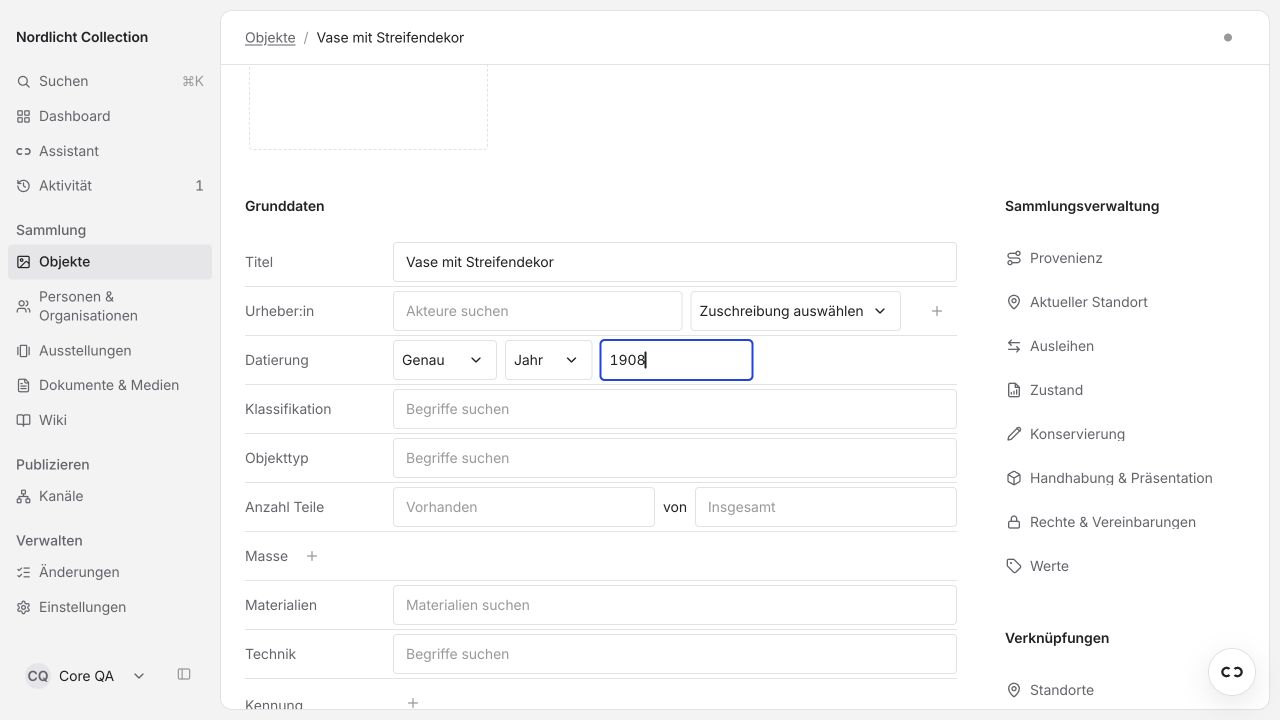
Open Objects → Add. Enter the title and the details your material supports. In the example, these are the title "Vase mit Streifendekor" and the date 1908. Leave empty what you don't know.
Add an image
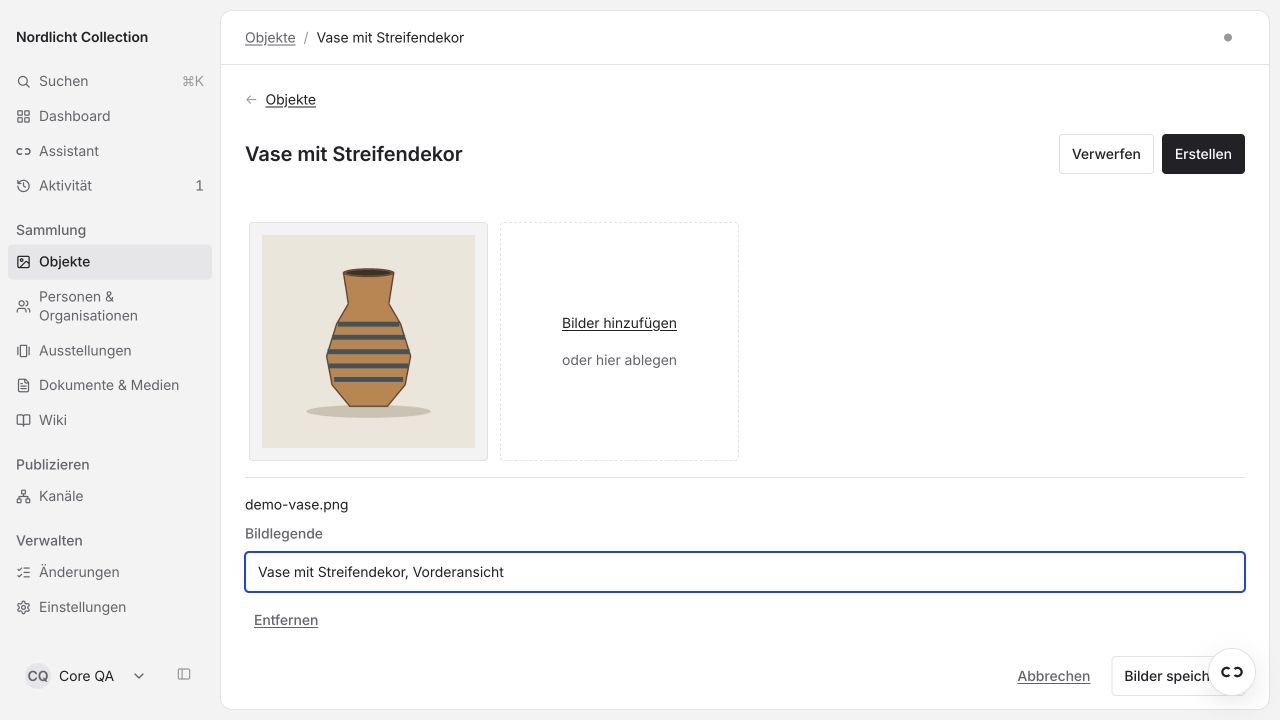
Choose Add images and then the image file. Write a caption and choose Save images.
Save and check
Choose Create at the top. Then compare the details and image with your material.
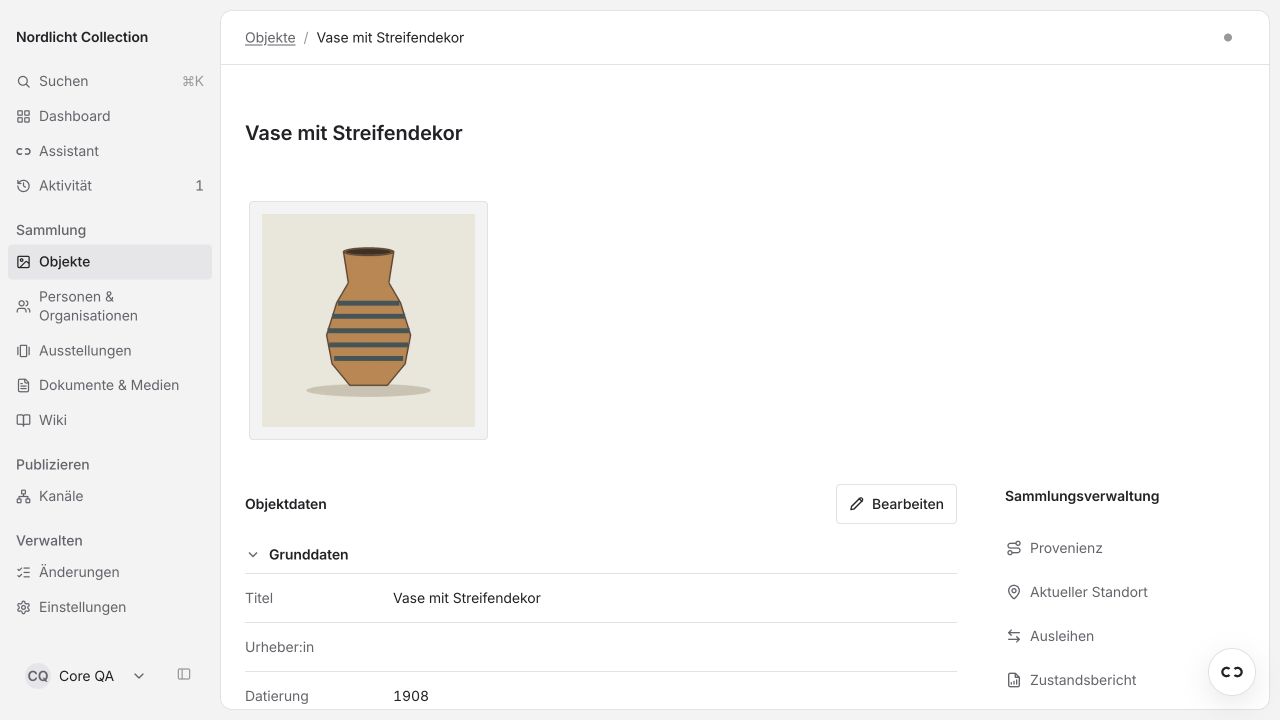
You are done when the object is saved and the details are correct. You can add to it at any time.
How to add sources and maintain details is explained under Objects. How to add the object to an exhibition is shown in Prepare an exhibition.